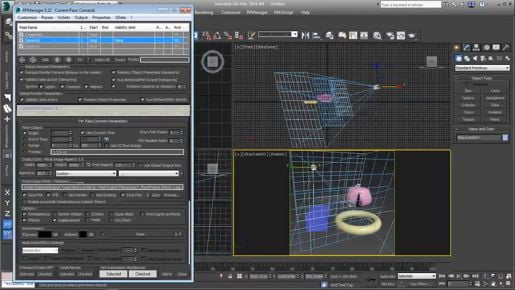
3ds max 2020 tutorials Scene Layout Saving max template scene if I right click on a magnet icon on the main toolbar and go to grid and snap settings, home grid, I've got a grid spacing of one centimeter. Okay? So I've got the scenes set up the way I want it to be every time I launch 3ds Max and in fact, if I wanted to, I can even change the view ports and change anything I want. I can even have objects in the scene and they will get stored in this maxstart dot max and every time I launch the program or reset it then we will see that object appear. But I'm not doing that in this case, I just want a simple template, so let's just save this as it is. We'll go to the file menu and choose save as, and within the current project's scenes folder, I want to give it the name of maxstart dot max. That's all it is, nothing fancy and click save.
