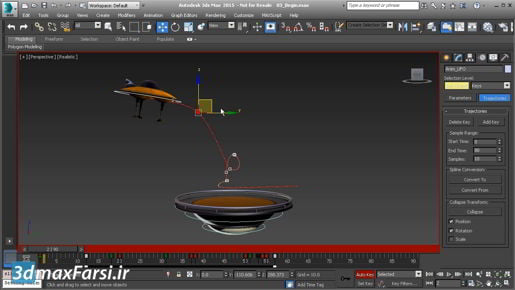
3ds max Spline Modeling Creating a freehand spline I'll set that back to a value of three and then draw my curve as I really want it to be. And then right click to exit. And I've got a bunch of practice curves there so I can select all of those and just delete them. I've got our freehand curve. So reselect that. Go back into the modify panel and rename it chord. And we have some options here. Sampling. As we increase the sampling, my each whole integer, we will reduce the level of detail on that spline. So I can bring that to sampling of one, and we're seeing all of the original knots, or control vertices, with a sampling value of two. We're seeing quite a lot less detail. It's up to you to decide how much sampling you want to apply. We're going to eventually convert this into an editable spline, and move those control vertices around. So of now I'm going to leave the sampling at a value of two. That's how to draw a freehand spline.
